With Omnia, you can automate your tasks so that they run automatically at regular intervals.
First, click on the left sidebar to go to the task panel.
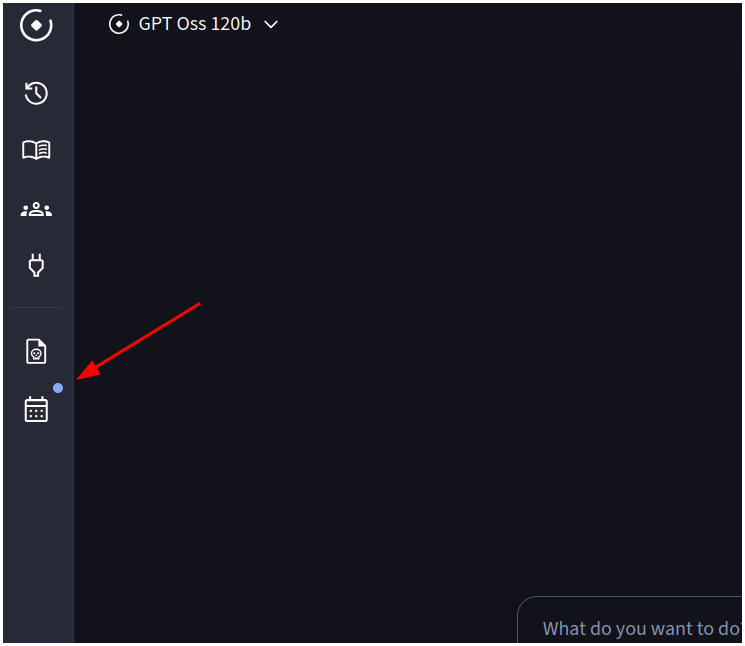
If this is your first time accessing the site, you will not see any scheduled tasks. To schedule a task, click on “Schedule Task” at the top right.
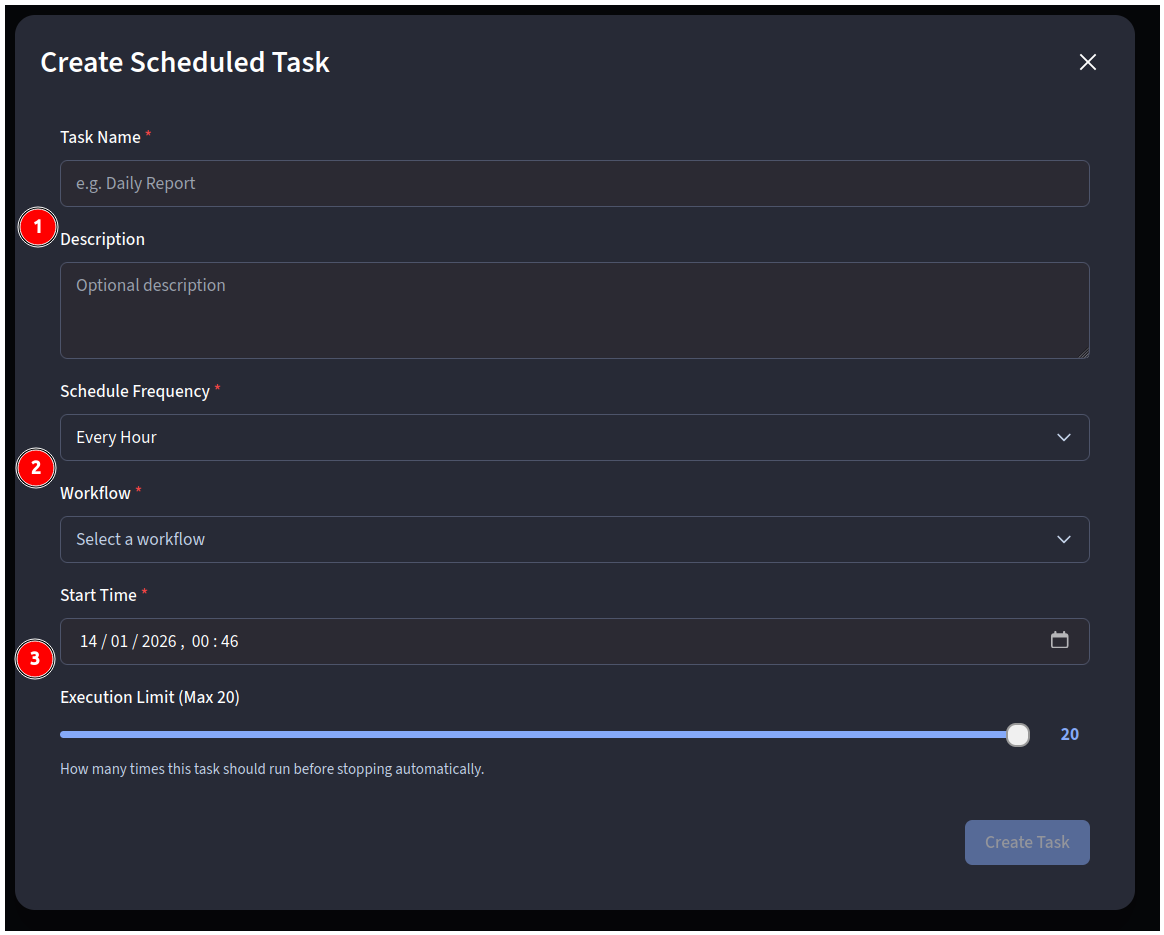
By clicking, we can configure our task:
- Name and description we want to give the task.
- Execution frequency (how often the task will be executed) and the workflow we want to execute. To create the workflow, we can choose one we like from the community, create our own... or even ask Omnia!
- Start date (the first execution) and how many times it will be executed. For example, if we set it for 2:00 p.m. on January 15 and have it run every hour, our workflow will run for the first time on January 15 at 2:00 p.m. every hour (up to a maximum of 20 times).
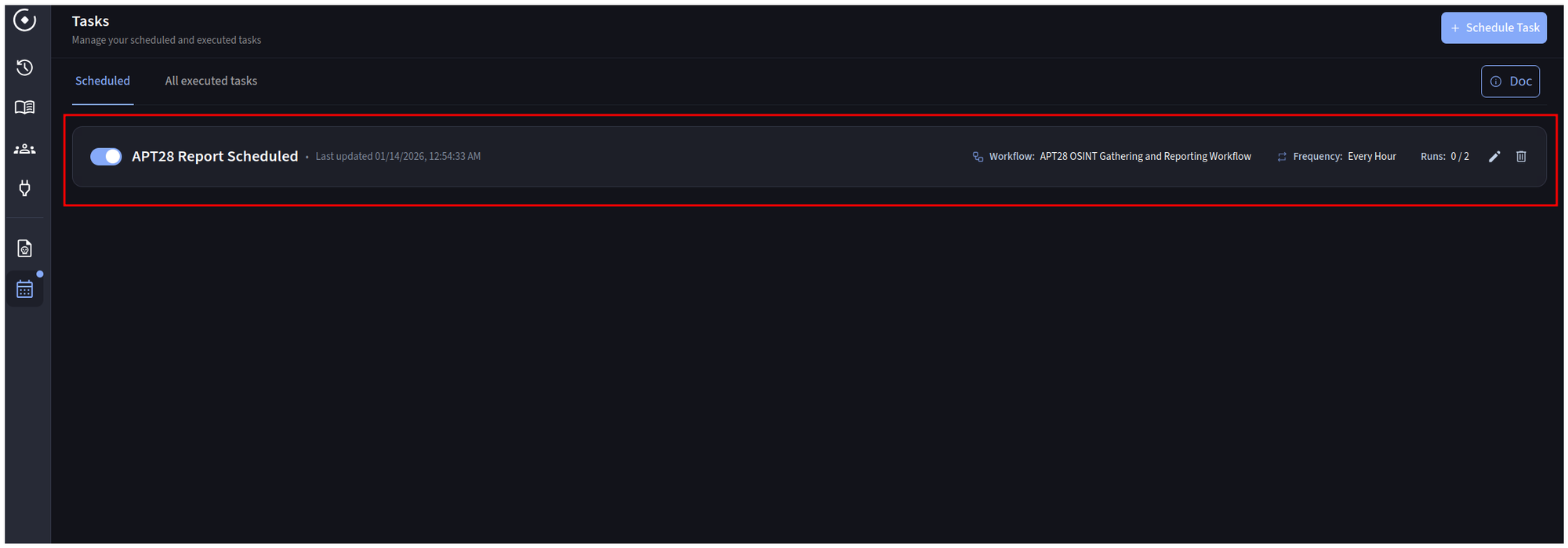
Once configured, we will see the scheduled task in the panel, and when it is time for execution, we will be able to see all the results of our tasks in “All executed tasks.”
Thanks to this functionality, certain recurring tasks can be automated, such as monitoring a specific IP address ... anything that can be done with workflows can be programmed!